- lcdcare10181981@gmail.com




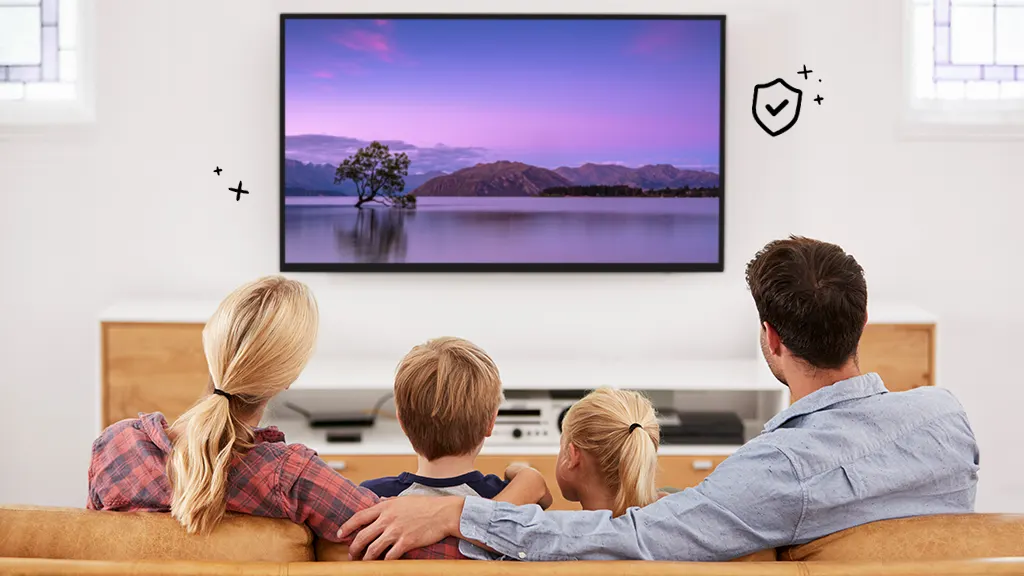
5 Tips to Extend the Life of Your LCD Screen
Your LCD screen—whether it's on your TV, laptop, smartphone, or monitor—is a crucial part of your device. Over time, wear and tear can lead to dim displays, dead pixels, or even complete failure. The good news? With proper care, you can significantly extend its lifespan and avoid costly repairs or replacements.
At LCD Care, we specialize in fixing LCD screens, but we also believe prevention is better than repair. Here are 5 essential tips to keep your LCD screen in top condition for years to come.
1. Adjust Brightness and Contrast Settings
Running your screen at maximum brightness all the time can shorten its lifespan. High brightness levels generate more heat, which can damage the display over time.
- Use auto-brightness if available.
- Lower brightness in dimly lit rooms.
- Avoid extreme contrast settings.
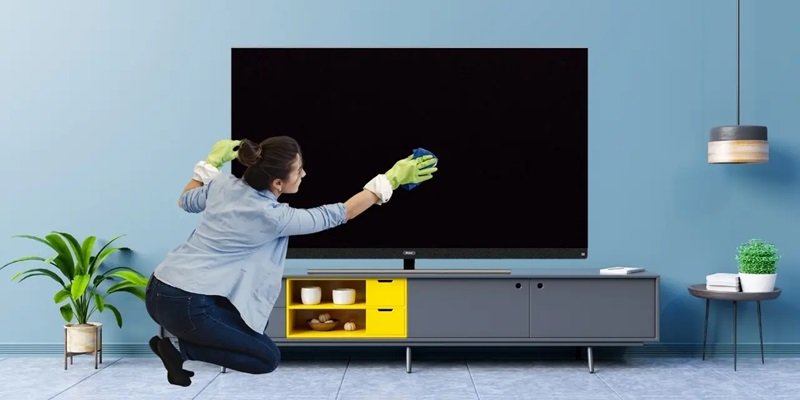
2. Keep Your Screen Clean (The Right Way!)
Dust, fingerprints, and smudges not only make your screen look bad but can also cause scratches if cleaned improperly.
- Use a microfiber cloth (like those for glasses or camera lenses).
- For tough stains, lightly dampen your microfiber cloth with either distilled water or a 50/50 isopropyl alcohol solution.
- Always apply cleaning solution to the cloth first - never spray directly on the screen.
3. Avoid Physical Pressure and Impact
LCD screens are delicate—pressing too hard (especially on laptops and smartphones) can cause dead pixels, cracks, or internal damage.
- Avoid touching the screen with sharp objects to prevent damage.
- Close laptops gently to avoid pressure on the display.
- Use a protective case for smartphones and tablets.
4. Prevent Overheating
Heat exposure is extremely damaging to LCD displays. Prolonged exposure can lead to color distortion, screen flickering, or even permanent damage.
- Ensure proper ventilation for TVs and monitors.
- Avoid exposing devices to extreme heat in vehicles or direct sunlight.
- Use a cooling pad for laptops during heavy usage.
5. Turn Off When Not in Use
Leaving your screen on for extended periods (like overnight) can cause burn-in (for some displays) and reduce overall lifespan.
- Enable sleep mode when inactive.
- Turn off monitors/TVs when not in use.
- Use screensavers (for older LCDs) to prevent static image retention.
Need Professional LCD Repair? We Can Help!
Even with the best care, LCD screens can develop issues over time. If you notice flickering, dead pixels, cracks, or discoloration, it might be time for professional repair.
At LCD Care, we offer:
Fast, affordable LCD screen repairs
Expert diagnostics and replacements
Warranty on all repairs
Don’t wait until it’s too late! Visit our website at http://www.lcdcare.in/ or call us at +91-9810304333 today for a free quote!
By following these simple tips, you can keep your LCD screen looking sharp and functioning smoothly for years. And if you ever need a repair, remember—we’re just a call away!
Latest Posts
Top 5 Signs Your Smart TV Needs Repair
30 Jun, 2025
Microwave Not Heating? Here’s What Could Be Wrong
30 Jun, 2025