- lcdcare10181981@gmail.com




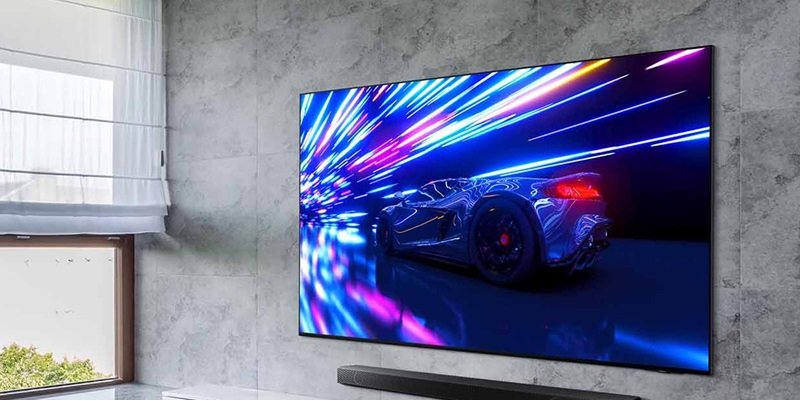
How to Extend the Life of Your Television: 7 Expert Tips
A television is a big investment, and proper care can significantly extend its lifespan. At LCD Care, we’ve repaired thousands of TVs and seen how a few simple practices can help keep your TV running for years without issues.
1. Keep It in a Well-Ventilated Area
Heat is the enemy of electronics. Ensure your TV has enough space around it for proper airflow, especially if wall-mounted. Avoid placing it near heat sources or in direct sunlight.
2. Turn It Off When Not in Use
Leaving your TV on all day, even in the background, reduces the lifespan of the backlight and power supply. Use the remote or power button to shut it off when you're not watching.
3. Use a Voltage Stabilizer or Surge Protector
Frequent voltage fluctuations and power surges can damage the internal components of your TV. Always use a surge protector or stabilizer, especially during storms or in areas with unstable electricity.
4. Clean the Screen and Vents Regularly
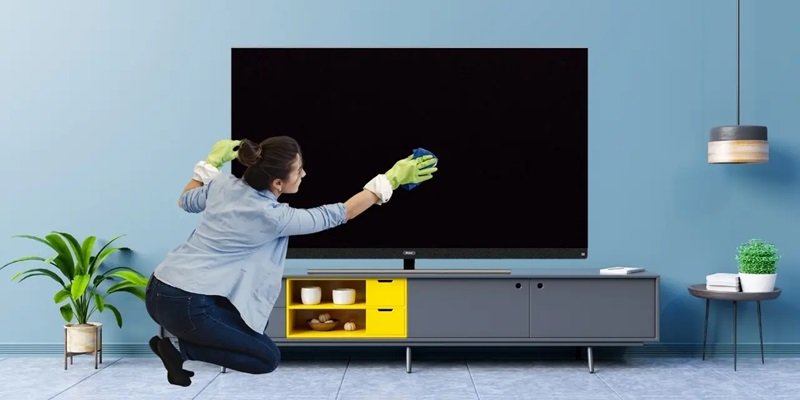
Dust can build up and block airflow. Clean the screen with a soft, microfiber cloth and gently vacuum or wipe the back panel vents to prevent overheating.
5. Update Software Regularly
For Smart TVs, always install software and firmware updates. These improve performance, fix bugs, and help avoid system slowdowns or crashes.
6. Avoid Pausing for Long Hours
Leaving a static image paused for hours (like menus or game screens) can lead to screen burn-in on some displays. Try to avoid this by using screen savers or switching off the display.
7. Call a Technician for Early Signs of Trouble
Don’t ignore flickering, sound loss, or slow loading. Small issues can become expensive repairs if left unaddressed.
Conclusion:
Taking care of your TV doesn’t require much—just a few smart habits. For any repair needs, trust the experts at LCD Care, your go-to shop for TV servicing, Smart TV support, and more.
Latest Posts
Top 5 Signs Your Smart TV Needs Repair
30 Jun, 2025
Microwave Not Heating? Here’s What Could Be Wrong
30 Jun, 2025
5 Tips to Extend the Life of Your LCD Screen
16 Jul, 2025